Windows tool
SnipGif
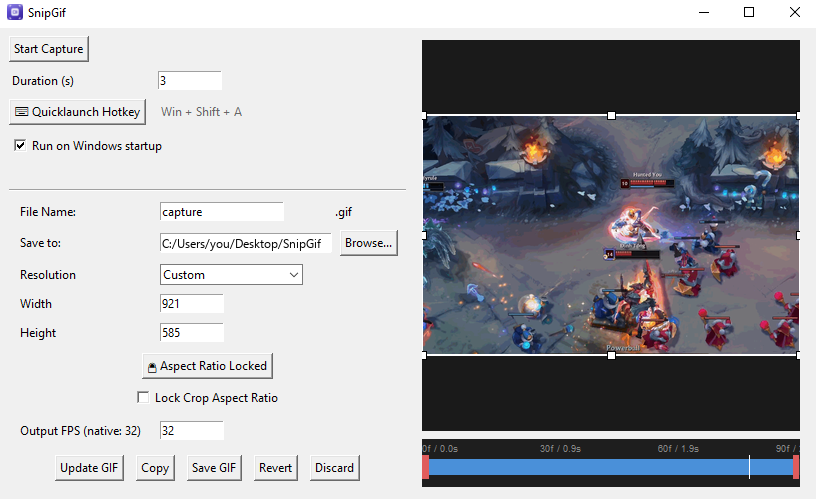
Press a hotkey, drag a region, and a GIF lands on your clipboard. Trim and resize after.
What it does
- Global hotkey to start a capture, from anywhere
- Drag to pick the part of the screen to record
- Editor with crop handles, a trim timeline and export settings
- The finished GIF goes straight to your clipboard, ready to paste
Got a website to build or a task to automate?
Tell me about it. The first chat is free.
Get in touch